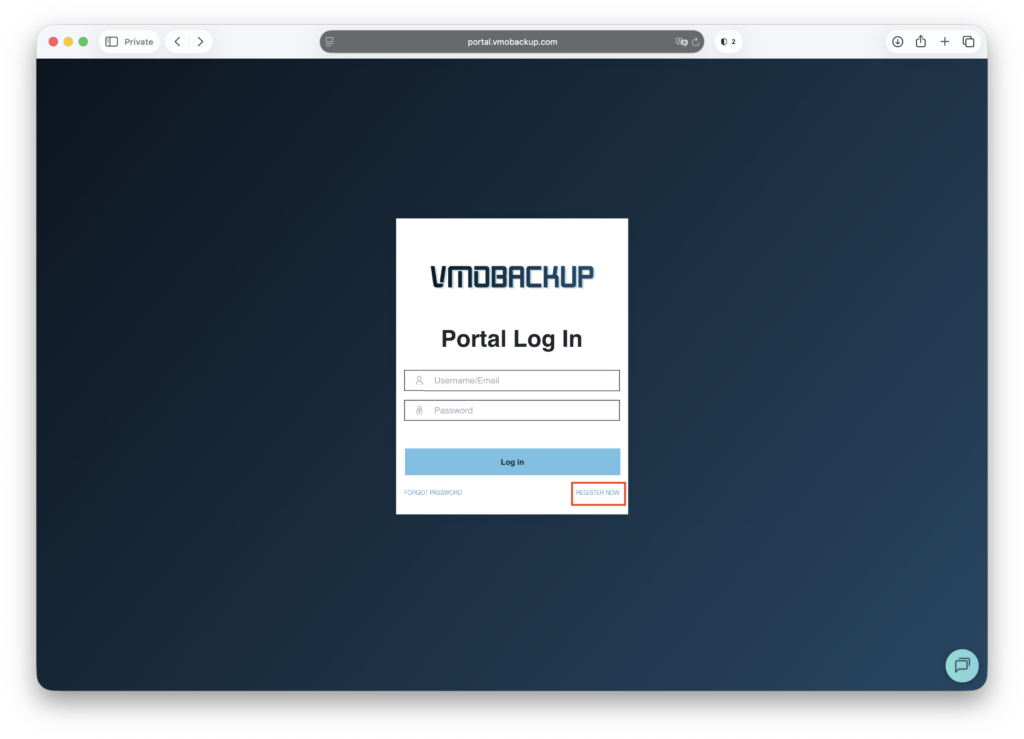
Access the Registration Page #
Go to portal.vmobackup.com.
Click “Register Now” to begin the registration process.
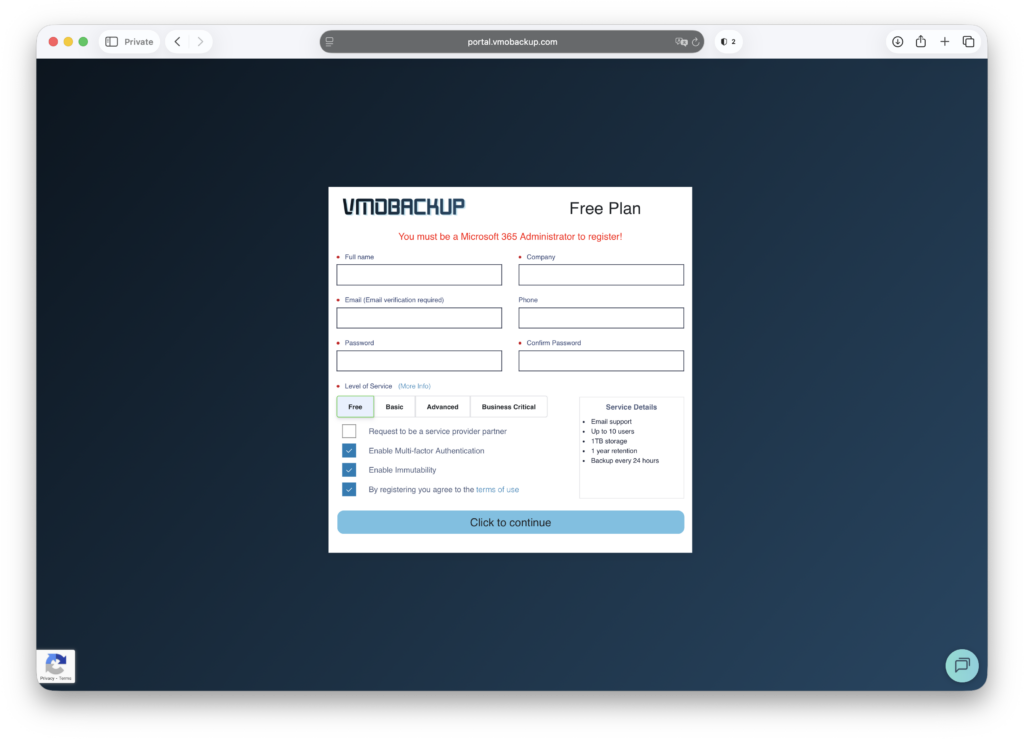
Fill Out Registration Details #
- Enter your required account details
- Select Your Subscription Type
- Choosing the Free grants you full access to the portal for 30 days. After 30 days, you can upgrade to a paid plan or discontinue usage.
- Choosing the Free grants you full access to the portal for 30 days. After 30 days, you can upgrade to a paid plan or discontinue usage.
- Choose Multi-Factor Authentication (MFA) Preference
- You may enable or skip MFA at this stage. Enabling MFA increases security and is highly recommended.
- You may enable or skip MFA at this stage. Enabling MFA increases security and is highly recommended.
- Immutability is on by default, but can be turned off.
- Agree to Terms & Conditions
- Check the box confirming that you accept VMOBACKUP’s Terms of Service and Privacy Policy.
- Check the box confirming that you accept VMOBACKUP’s Terms of Service and Privacy Policy.
- Click “Click to continue” to proceed.
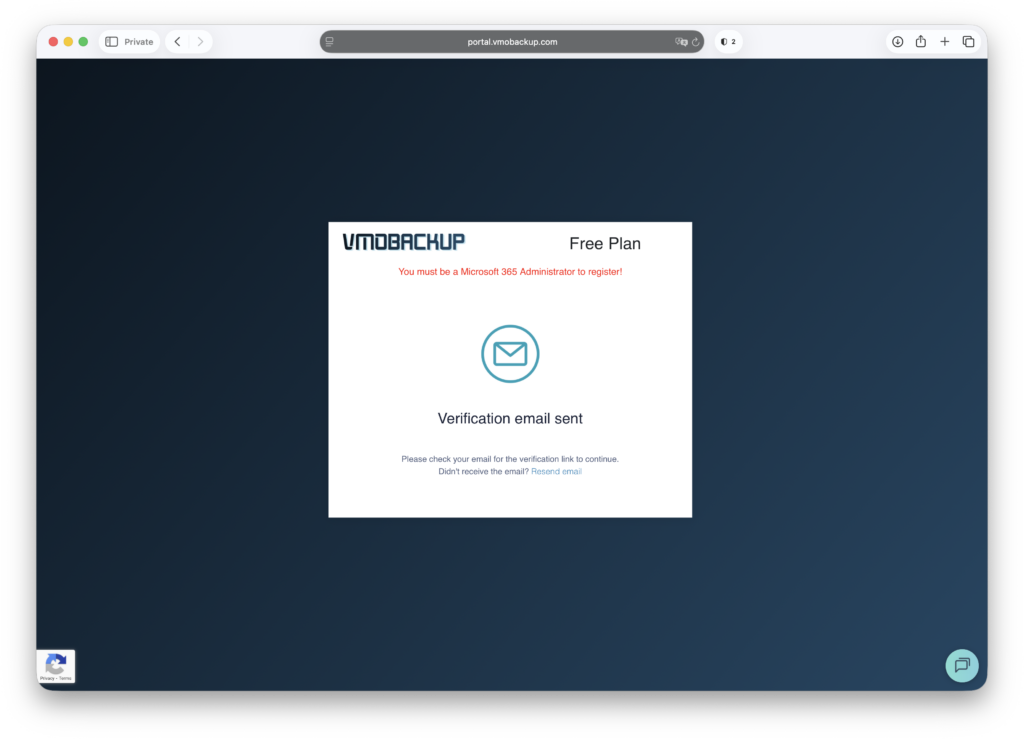
Email Confirmation & Verification #
- Check your inbox for a confirmation email from VMOBACKUP.
- Open the email and click the verification link.
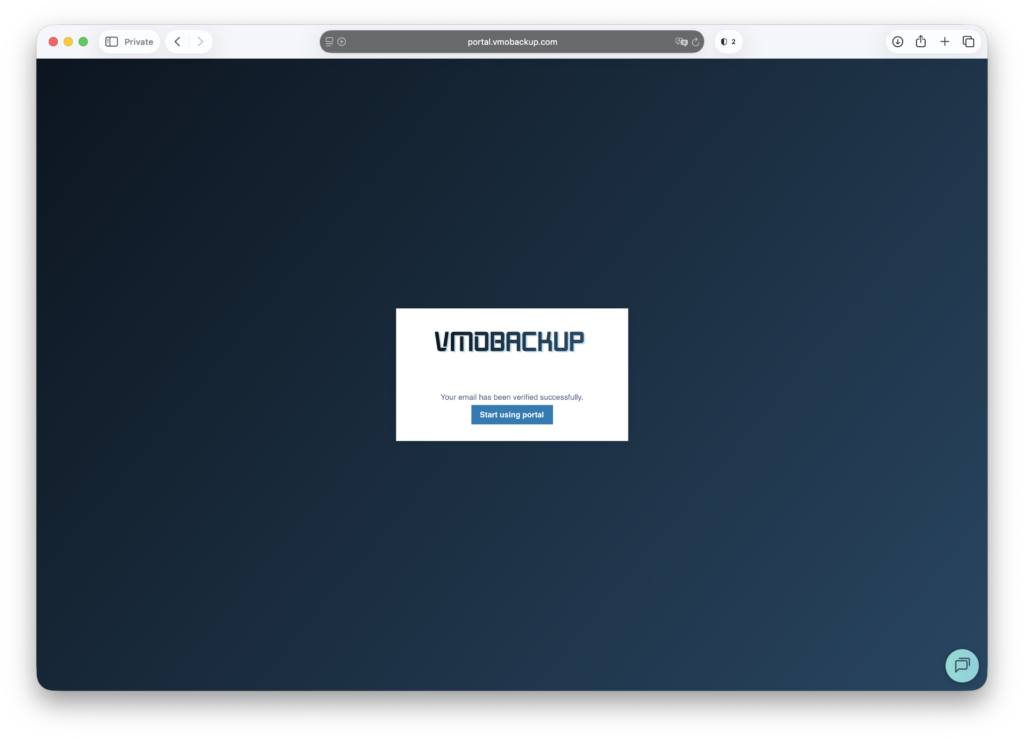
The portal will automatically verify your registration.
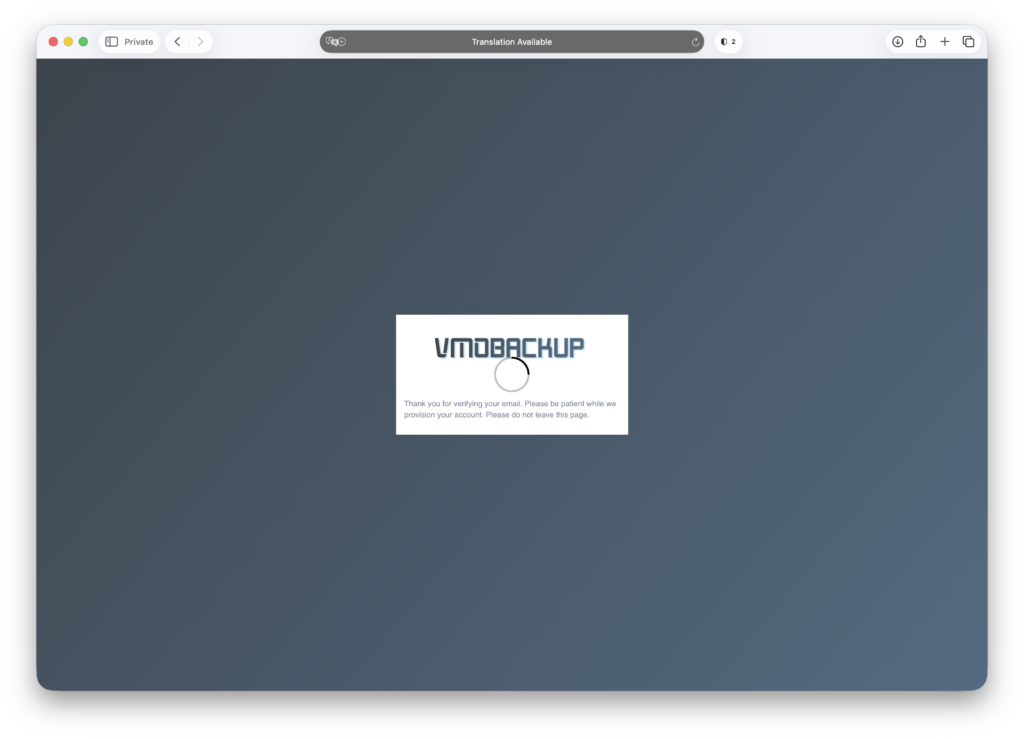
Start Using the VMOBACKUP Portal #
Once your email is verified, you can log in and start setting up your backup environment.